
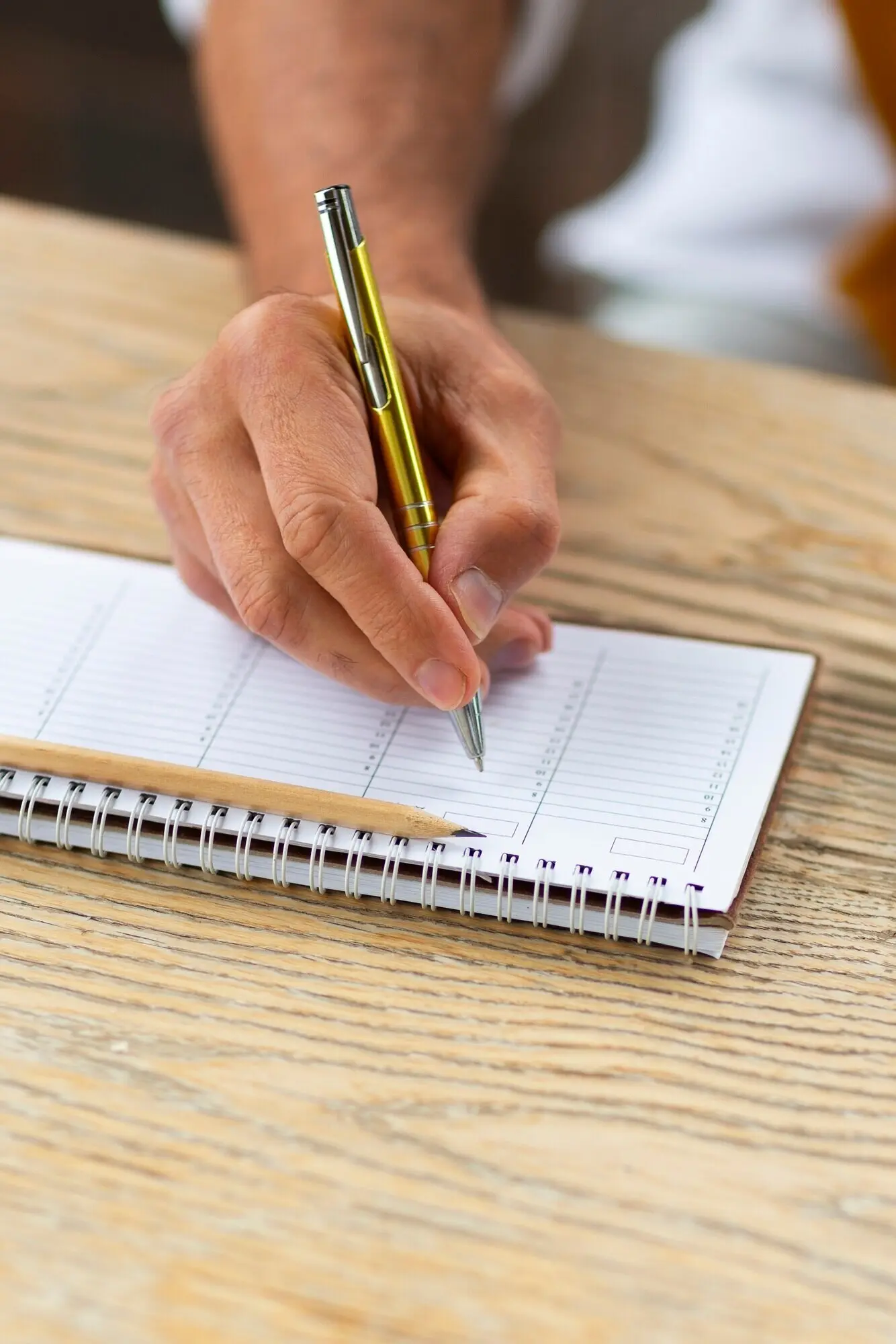
Capture Ideas Faster: Visual Notes, Anywhere
Today we dive into the best mobile apps for quick visual notes on the go, exploring how they launch in seconds, combine photos with markup, and sync effortlessly. Expect practical examples, field-tested workflows, and human stories that help you pick a daily companion you will truly use.
Speed That Respects Your Flow
When inspiration strikes, delay destroys clarity. The right apps open instantly, drop you into camera or canvas, and save without ceremony. Lock‑screen widgets, quick actions, and one‑hand capture keep you moving while preserving the messy, meaningful fragments your future self will actually understand.
Two‑Tap Capture Every Time
Look for apps offering lock‑screen or home‑screen shortcuts that jump straight into photo, sketch, or scan. On iOS, Quick Note and camera widgets shine; on Android, custom tiles and Keep‑style widgets reduce taps. Two predictable steps beat a thousand forgotten intentions.
Camera‑First, Not Camera‑Eventually
Whiteboards fade and sticky notes curl; a camera‑first app treats the lens as the primary input. Auto‑crop, perspective correction, and glare reduction keep handwriting legible. If your tool opens the camera faster than you can second‑guess yourself, you will actually capture the moment.
Offline First, Sync Later
Tunnels, flights, and basements should not sabotage memory. Choose apps that save locally, then sync silently when connectivity returns. Progress indicators, conflict resolution, and gentle retry logic prevent duplicates while ensuring the sketch you rushed between meetings safely reappears everywhere.
Sketch, Snap, Annotate: Thinking With Your Hands
Visual notes thrive when drawing tools feel immediate. A great app offers pressure‑sensitive pens, shape recognition, highlighters, and quick arrows to map relationships. Photos, screenshots, and scans blend on one canvas, transforming fragments into structures your brain can revisit and expand confidently.
Organize Without Losing Momentum
Organization should emerge from capture, not obstruct it. Smart tagging, lightweight folders, and visual boards encourage quick drops that remain findable later. The best systems evolve as projects grow, letting you cluster by people, places, or outcomes without painstaking rearrangement every hectic week.

Cross‑Device Superpowers
You sketch on a phone, refine on a tablet, and reference on a laptop. Great apps respect handoff moments with consistent tools, predictable file types, and sensible syncing. Whether you use iCloud, Google Drive, or a proprietary layer, continuity should feel effortless and trustworthy.
Privacy, Ownership, and Reliability
Your notes often include sensitive rooms, whiteboards, and contracts. Prefer apps with transparent data handling, robust export options, and offline access. Encryption at rest and in transit, optional local‑only notebooks, and human support policies protect both creative chaos and professional obligations.
Field‑Tested Moments That Prove Value
Real stories beat spec sheets. From capturing a fading conference whiteboard to annotating a storefront photo during a walk‑through, the right app turns chaos into clarity. These snapshots, layered with arrows and short captions, become anchors for decisions, proposals, and shared understanding.
After the Meeting, Before It’s Gone
Stand up, shoot the whiteboard, and let perspective correction square the frame. Circle open questions, add numbers near owners, and tag the project. Sending that annotated image within ten minutes preserves momentum that otherwise vanishes between calendar invites and inbox storms.
Design Review on the Train
Screenshot a prototype, drop it into canvas, and mark hotspots with bright callouts. A stylus helps, but a thumb works fine. By the next stop, you have a clear, shareable markup that sparks focused feedback instead of vague, meandering commentary.
Research Notes in Harsh Light
Outside a client site, you snap signage and floor layouts in midday sun. HDR capture and contrast filters rescue details; short captions lock context. Later, search by location and tag reveals everything tied to that visit within seconds, zero hunting.
Choosing Your Everyday Companion
You do not need the most features; you need the least friction. Test launch speed, camera clarity, pen feel, tagging comfort, and search reliability. If an app helps daily for three weeks, it is worth arranging your workflow around confidently.
All Rights Reserved.